Looking for a simple Instagram Reels downloader? SaveInsta lets you save public Reels as MP4 files without logging in. You copy the Reel link, paste it into the box and download. It works in your browser on Android, iPhone and PC.
Reels are short, vertical and easy to lose in the feed. Many people want to keep a tutorial, a recipe or one of their own clips for offline use. This page explains how Reels download works, what quality to expect and what to do when something goes wrong.
How to use the Instagram Reels downloader
You do not need the saveinsta app or any other software. Three steps are enough.
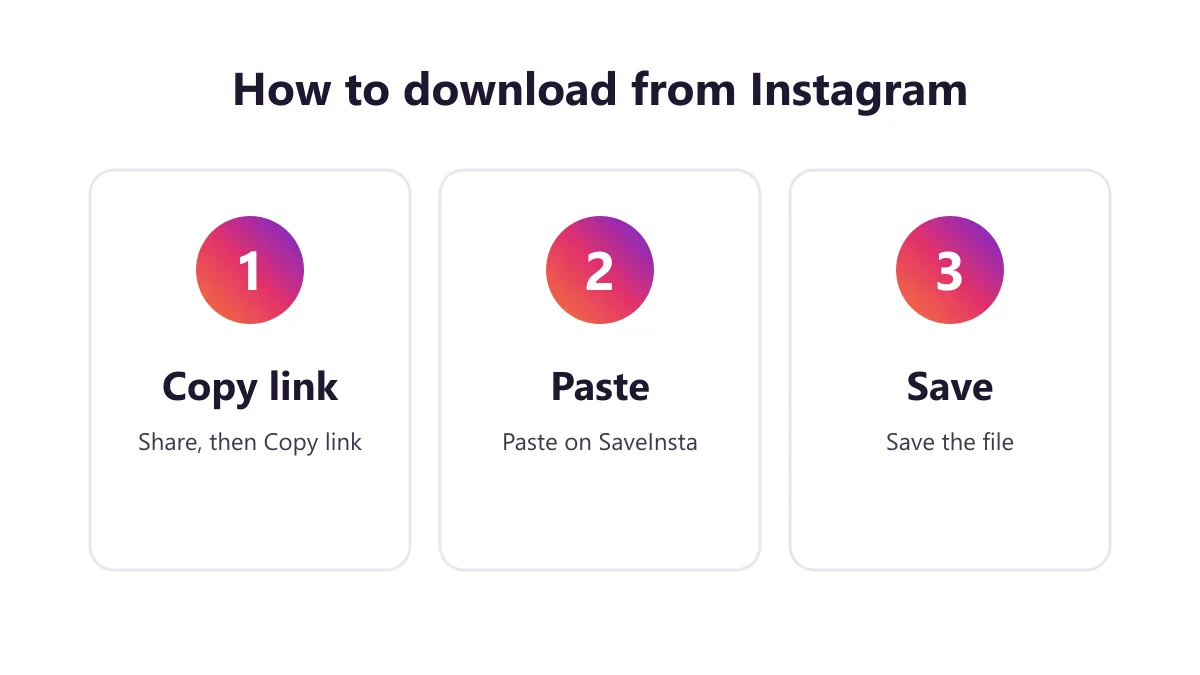
1. Copy the Reel link
Open the Reel in Instagram. Tap the paper plane or Share icon, then choose Copy link. On a computer, open the Reel in your browser and copy the address from the top bar. Make sure the link points to the Reel itself and not to the profile.
2. Paste it into SaveInsta
Return to this page and paste the link into the box. Press the download button. The tool checks that the Reel is public and builds the file. This usually takes only a few seconds, but it can be slower when Instagram is busy.
3. Save the video
Pick the download button that appears under the preview. The Reel is saved as a video file, normally MP4. Open it from your Downloads folder, the Files app or your gallery. For a reels download of several clips, repeat the steps one link at a time.
What quality you get
HD means the best quality Instagram keeps for the Reel, usually up to 1080p. We do not promise 4K or a fixed bitrate, because the file can never be better than what the creator uploaded. If the original was filmed in low light or at low resolution, the saved copy will look the same.
| Item | What to expect | Notes |
|---|---|---|
| Video | MP4 file | Often up to 1080p |
| Sound | Original audio when available | Some Reels have no track |
| Watermark | None added by SaveInsta | Creator text stays |
| Length | Same as the Reel | Not trimmed |
Some features may fail on certain Reels. If a Reel uses licensed music that Instagram restricts, or if Instagram gives no audio track, the file may be silent. That is not a fault of your device. Photos and carousels work too: each item saves separately, and all photos can be saved together as a ZIP. Stories are not supported yet.
Saving Reels on Android, iPhone and PC
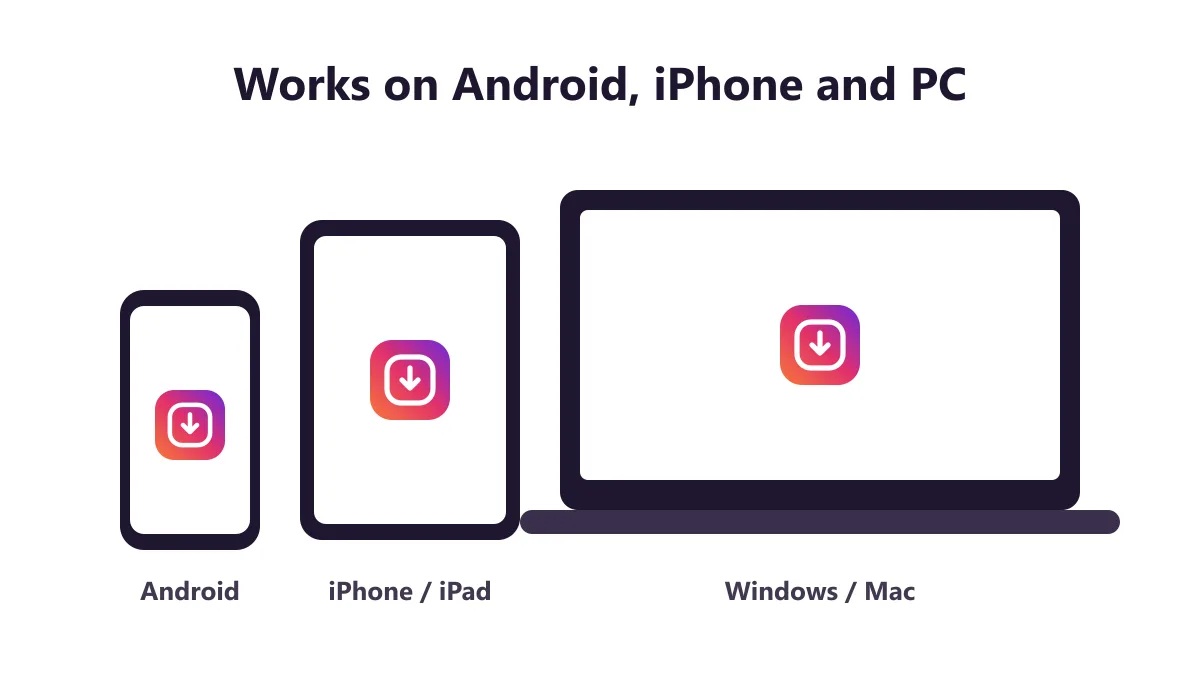
Android. Open SaveInsta in Chrome, paste the link and tap download. If your phone asks where to save, choose Downloads. The Reel then shows up in the Files app and often in your gallery.
iPhone. Use Safari for this. Tap download, then open the Files app and find the video. Tap Share and then Save Video to send it to Photos. If the file plays in the browser instead, press and hold the download button and choose Download Linked File.
PC. Use any current browser. Paste the link, click download and check your Downloads folder. If the Reel opens in a new tab, right-click it and choose Save video as.
Common uses for saved Reels
- Keeping your own Reels as a backup before you edit or delete them.
- Saving a cooking or fitness Reel to follow offline in the kitchen or gym.
- Storing a travel Reel you made, so you can reuse the footage.
- Sharing a clip with a friend who does not use Instagram, if the creator allows it.
- Studying how a creator edits transitions and captions.
- Collecting examples for a school project or a marketing brief.
For all of these, think about permission first. Keeping a Reel to watch offline is a personal matter. Reposting it as your own is not fair to the person who made it.
Safety and respecting creators
SaveInsta never asks for your Instagram password. A real Reels downloader does not need it, so close any page that asks for your login. The tool works only with public Reels and does not store the content on its servers.
Avoid sites that push you to install unknown apps or allow constant notifications. Keep your browser updated and download from sources you trust.
Reels are the work of real people. Credit the creator when you share, ask before you repost and do not remove their name or text. Whether downloading is allowed depends on the content and your country, so it is not always legal. If you are unsure, ask the owner.
Problems and fixes
- The link gives an error. Copy the link again from the Reel, not from the profile or the feed.
- The Reel is private. Private accounts cannot be saved. Ask the owner to share it another way.
- The Reel was deleted. A removed Reel has no file to download.
- The page loads slowly. Wait a minute, refresh and paste the link again.
- The video has no sound. Check the Reel on Instagram. If it has no audio there, the file may be silent too.
- The quality looks low. The original upload may be low quality. SaveInsta cannot improve it.
- Nothing downloads on iPhone. Use Safari and look in the Files app.
If the problem stays, write to [email protected] with the link and a short note.
More SaveInsta tools
Besides Reels, SaveInsta has pages for other kinds of public content:
- Go to the Instagram downloader home page for a general start.
- Try the Instagram video downloader for normal feed videos.
- Open the Instagram photo downloader for photos and carousels.
All pages work the same way. Copy a public link, paste it and save the file. Come back to this Instagram Reels downloader whenever you need another clip.